ShotArchive is an Android application designed to store and organize shooting results from the Special Pie M1A2+ timer. Unlike the timer's internal memory limitations, ShotArchive allows you to save unlimited results and arrange them in custom folders for clear and efficient score management.
Simply connect your device via Bluetooth and keep your shooting history always at hand.
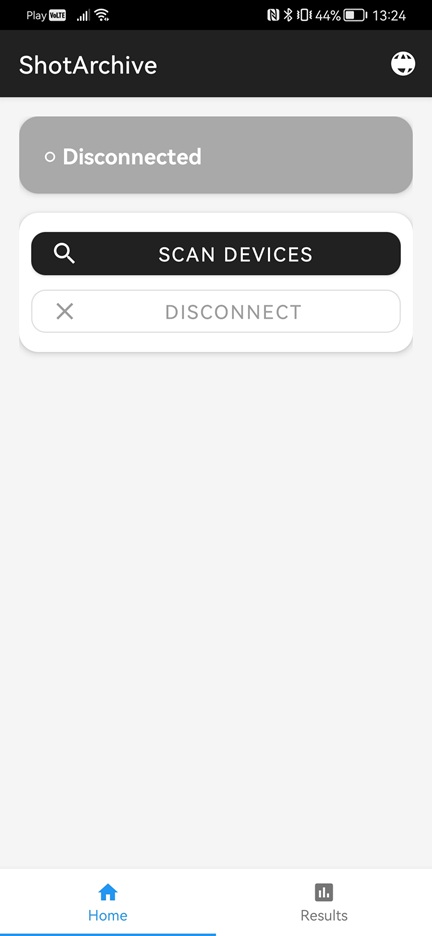
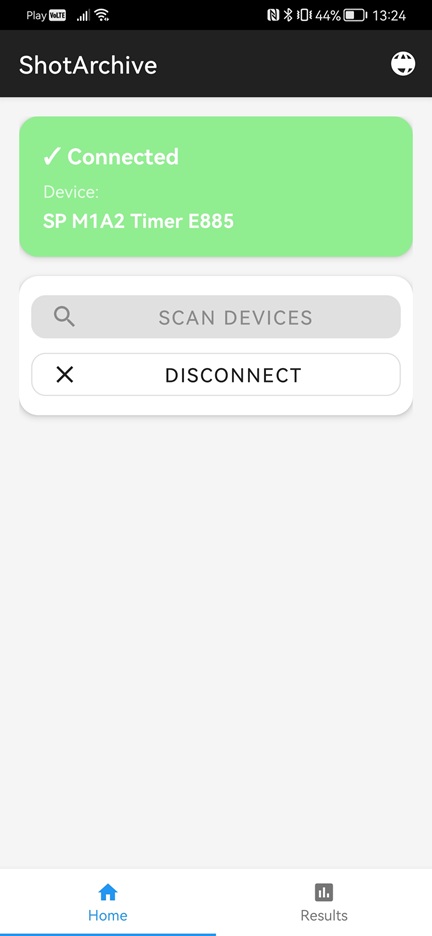
1. Open the ShotArchive app on your Android device.
2. Enable Bluetooth and connect to the Special Pie M1A2+ timer.
3. After connecting, results are saved automatically to the currently
opened folder.
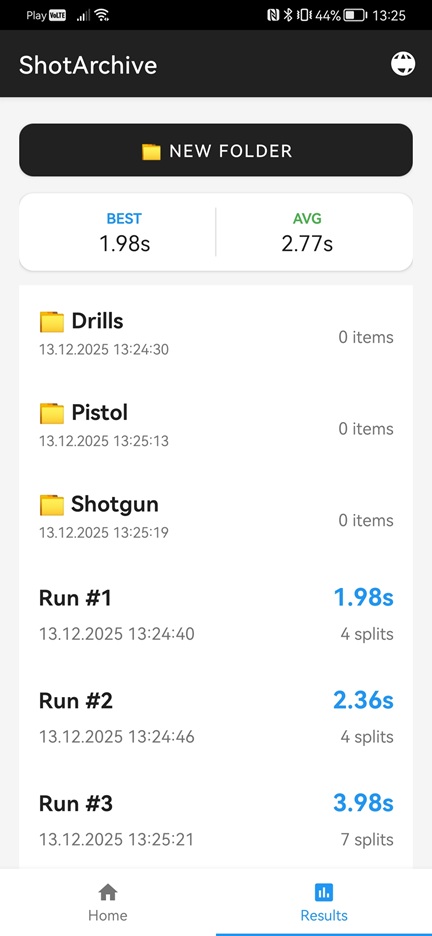
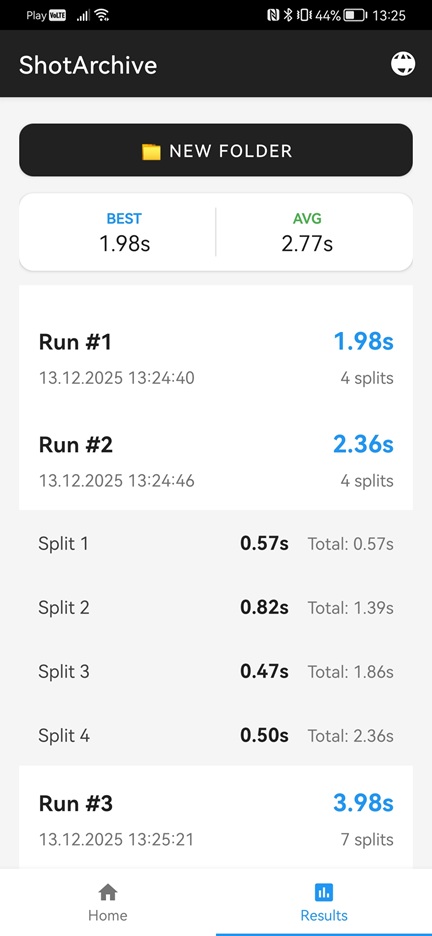
4. Create folders to organize your saved results.
5. View, move, and delete your results and folders.
The ShotArchive app does not collect, store, or share any personal data.
All data created within the application, including shooting results, folders, and settings, is stored locally on the user's device only.
The application does not use external servers, does not transmit data over the Internet, and does not include analytics, tracking, or advertising services.
If you have any questions regarding this Privacy Policy, please contact:
dev@shotarchive.app